PHP Snippet: Woocommerce Reviews as Shortcode
Are you using the Flatsome theme for your WooCommerce website and want to display product reviews in a shortcode?
With this tutorial, you’ll learn how to easily add a custom PHP snippet to your Flatsome theme and create a shortcode to showcase the reviews of the current product. By following these step-by-step instructions, you’ll be able to enhance your product pages and provide valuable social proof to your customers. Let’s get started!
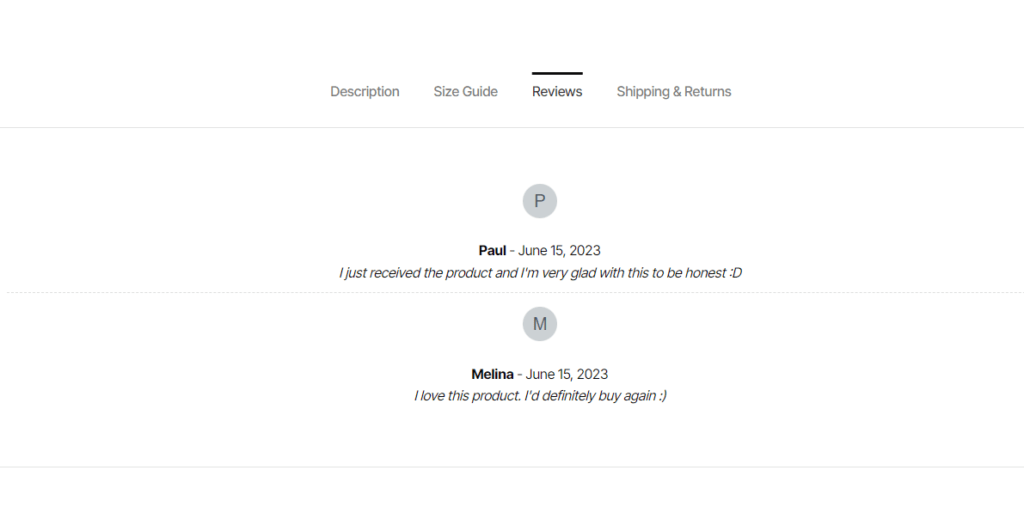
Access your WordPress admin dashboard.
Then, Go to “Appearance” -> “Editor”.
In the right-hand sidebar, locate and click on “Theme Functions (functions.php)”.
Scroll down to the bottom of the “Theme Functions” file.
Add the following PHP snippet at the end of the file:
Click the “Update File” button to save the changes.
Now, you can add the
[product_reviews id=""]shortcode to any page or post where you want to display the product reviews. Edit the page or post where you want to add the shortcode.In the editor, place your cursor at the desired location to insert the shortcode.
Enter
[product_reviews id=""]at that location.Update or publish the page or post.
The provided PHP snippet adds a shortcode that will display the product reviews specific to the current product being viewed. The shortcode can be added to any page or post content using the [product_reviews id=""] shortcode.
Please note that it’s important to always make a backup of your theme files before making any changes.
Last updated